
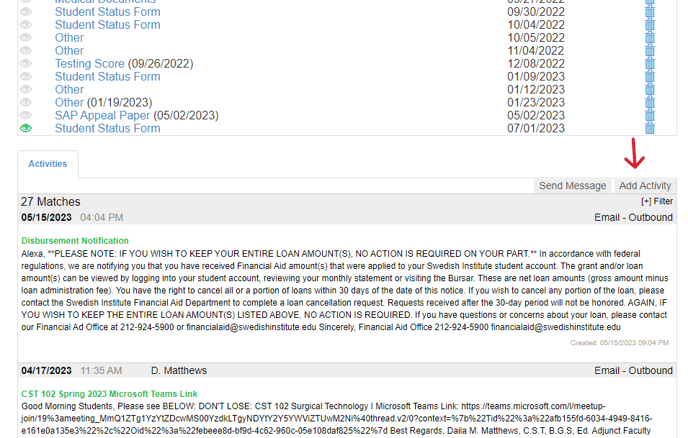
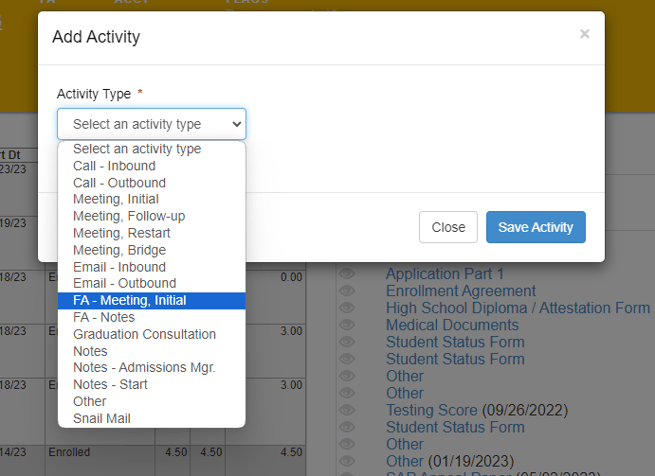
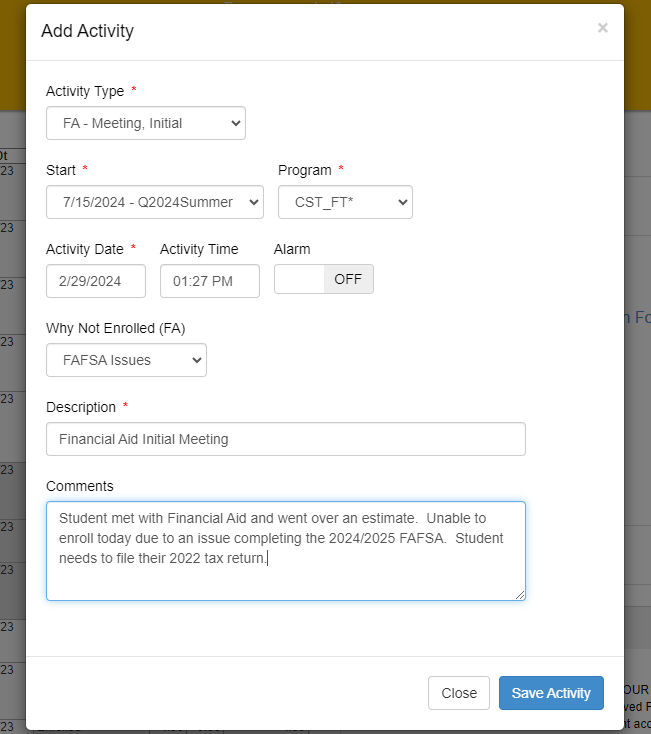
- To effectively track and monitor FA Meetings through the FA Meetings report, it is important to make sure that your Financial Aid Representatives are using the FA - Meetings, Initial option when adding an activity in the activities section.
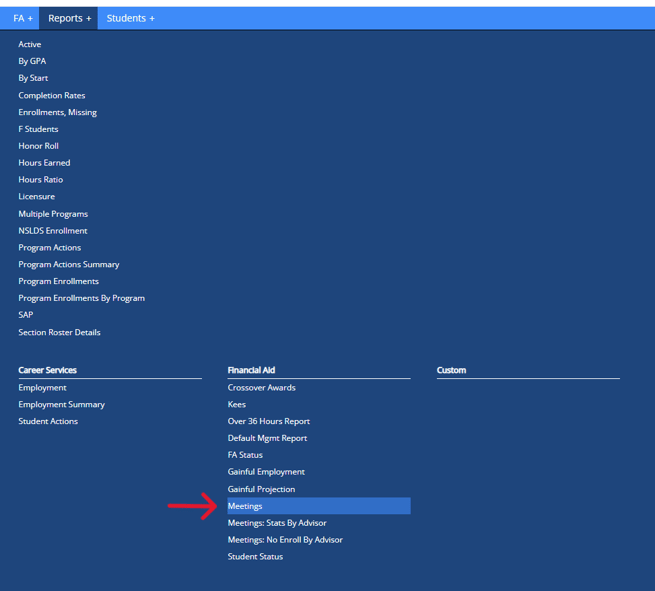
- To utilize the FA Meetings report navigate to Reports > Financial Aid > Meetings
- From here you can search Initial FA Meetings using the following criteria:
- School
- Financial Aid Rep (Created By)
- Start Date
- End Date
- Why Not Enrolled (FA)
- Students Last Name
- Students First Name
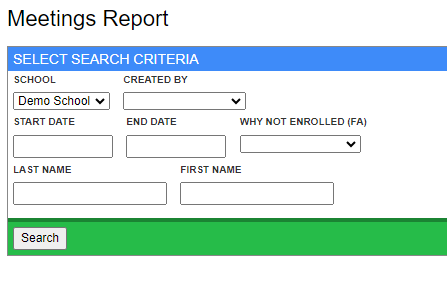
- While entering search criteria is not mandatory, it can be beneficial in refining the results of the report.

Note: The "Why Not Enrolled" option will only appear on the report if one is chosen from the drop down box when creating the FA - Meeting, Initial activity.