
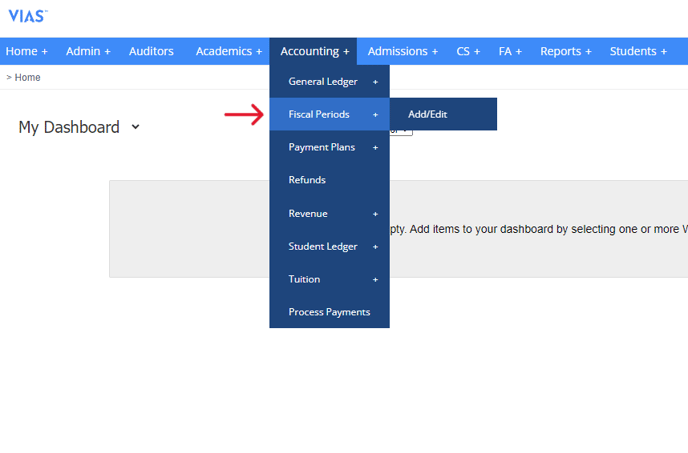
- Navigate to Accounting > Fiscal Periods
- The Fiscal Periods of your institution will be displayed in chronological order on the list. If necessary, you can create new Fiscal Periods by clicking on "Add Fiscal Period."
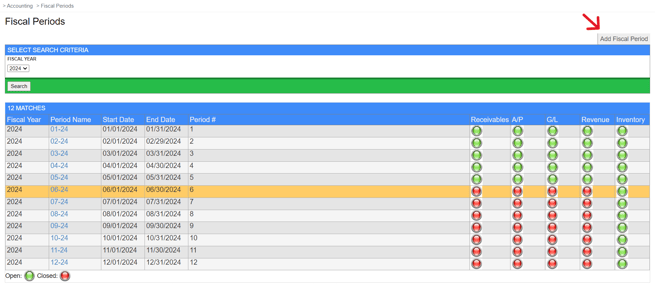
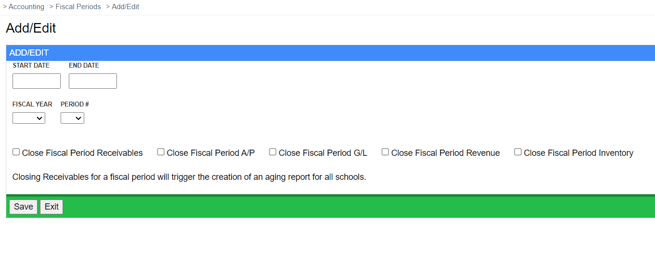
- To mark a Fiscal Period as closed, simply click on the Period Name and select the necessary closures. The selections made will appear as red within the list.
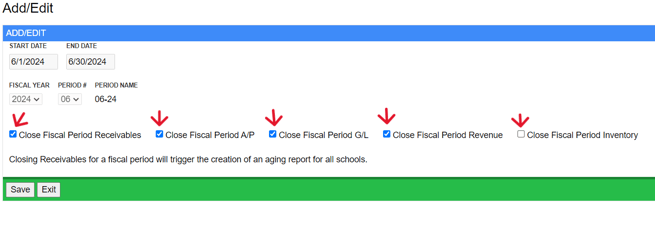
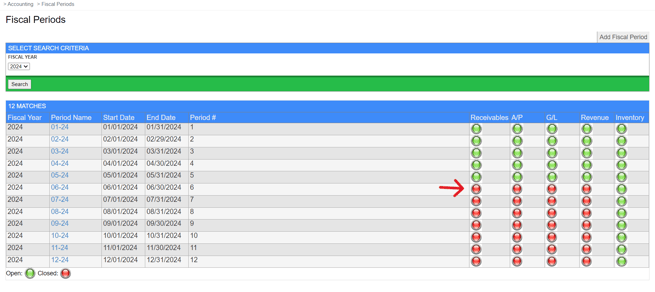
- Once a Fiscal Period has been closed, no further transactions can be created during that specific period.