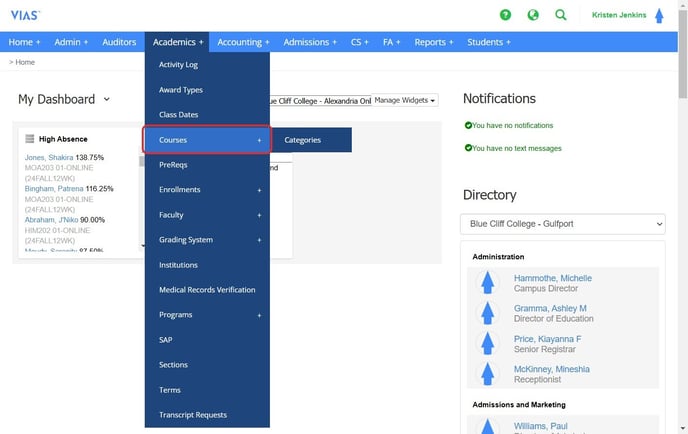
- Navigate to Academics > Courses
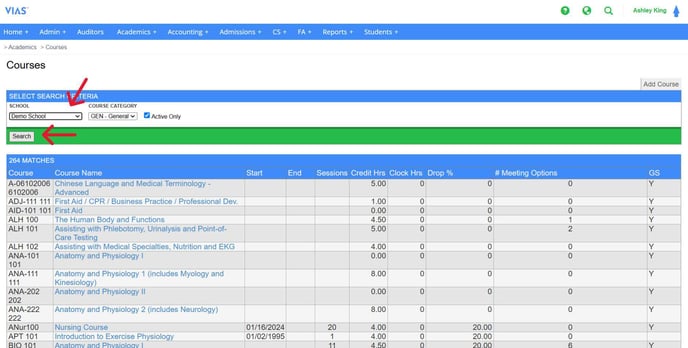
- Select the Campus and click Search
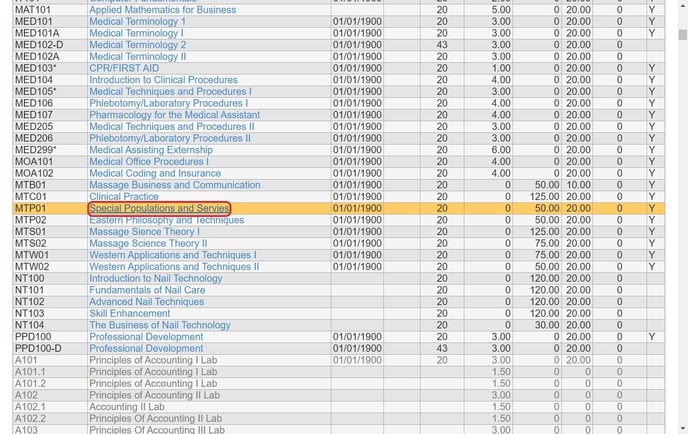
- Click on the Course that needs to be edited
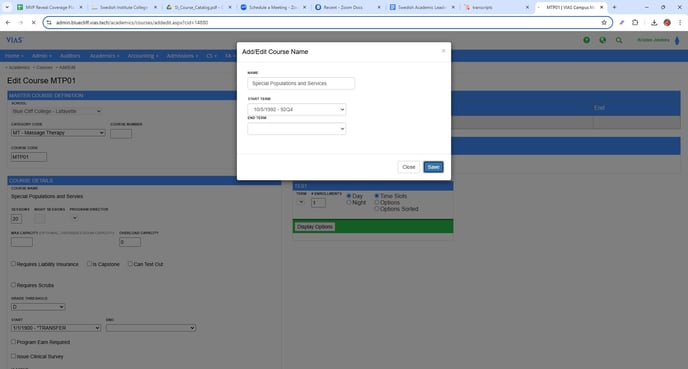
- Click on Add Name
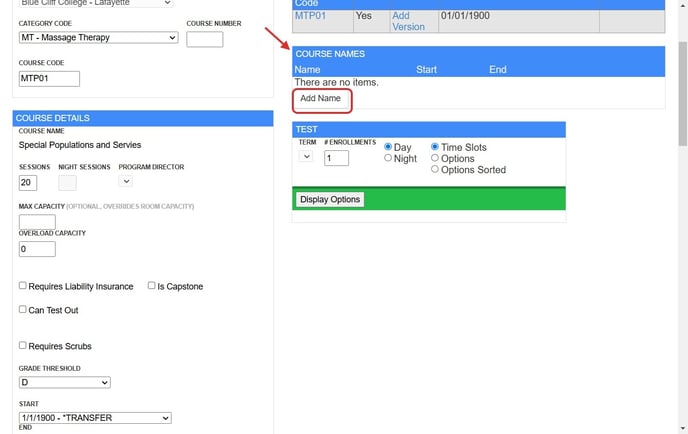
- Type in the correct course name. Select the earliest term within the start date. DO NOT choose an end date. Click Save.
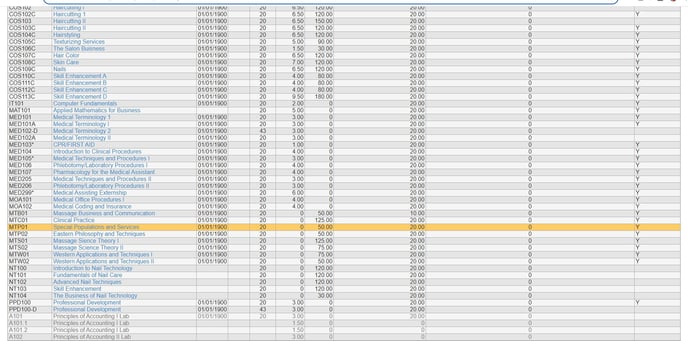
- The Course name has now been updated
English
