- Click on the “Help Center” icon at the top right of your VIAS screen.
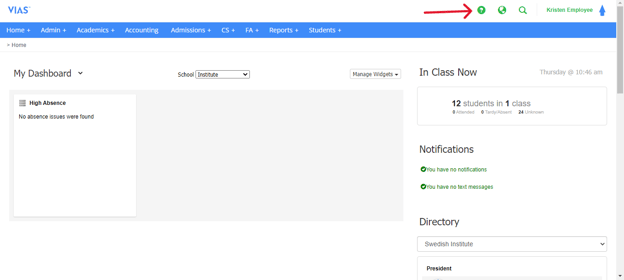
- You can access our knowledge base, request support, and provide feedback and idea through out central lized help center.
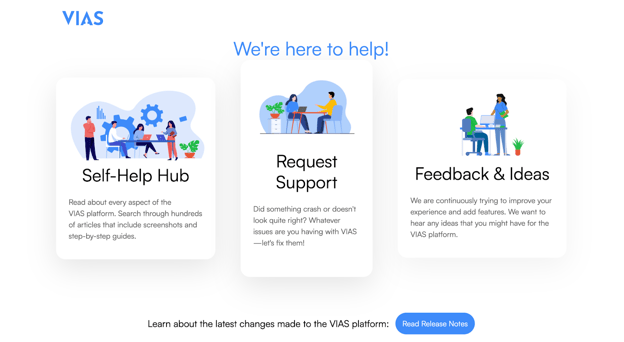
- Select the Self-Help Hub to read about every aspect of the VIAS platform. Search through hundreds of articles that include how-to screenshots and step-by-step guides.
- Select request support if you’re experiencing issues or something doesn’t look right.
- Select feedback and ideas to submit feature requests, enhancements, or general feedback.
English
