- Go to the Home Tab and click on your name.
- Select My Account.
- Select the Workflow Signature tab.
Click Create Signature. Type your name as you would like it to appear in your signature.

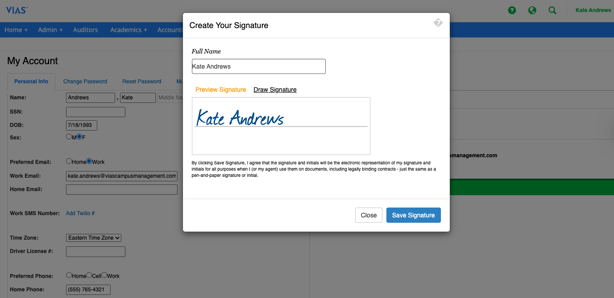
4. Click Save Signature

Click Create Signature. Type your name as you would like it to appear in your signature.
4. Click Save Signature