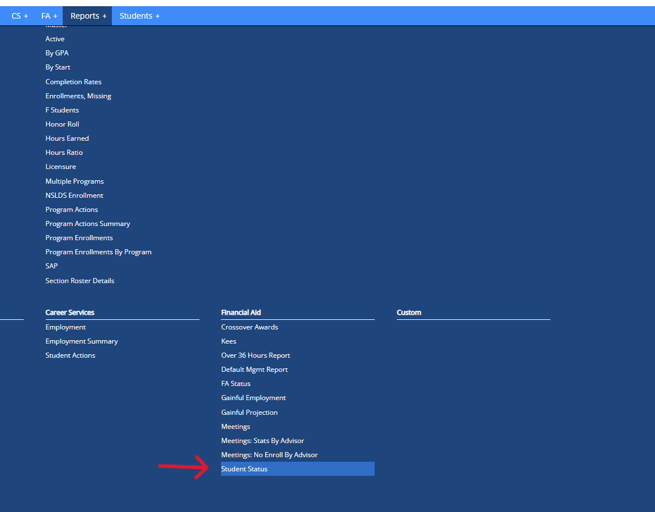
- To access the Student Status Report navigate to Reports > Financial Aid > Student Status
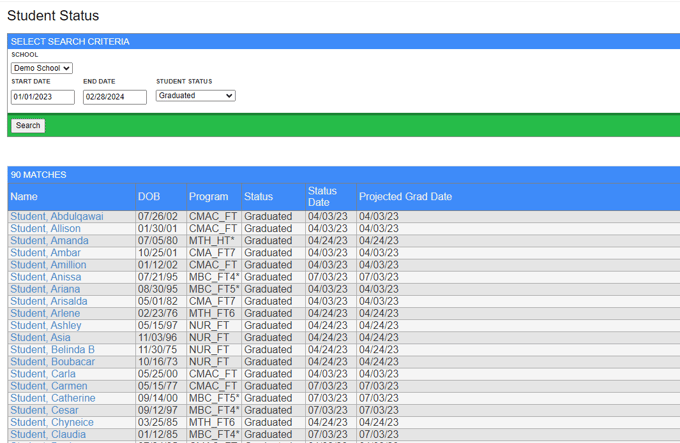
- To get a list of students' status by term, input the desired term start date and end date.
- To get a list of student's current status (as of today), input the current term's start and end date. (Note: if the current term has not ended yet, input today's date for the end date)
- Click on Search to generate the Student Status Report
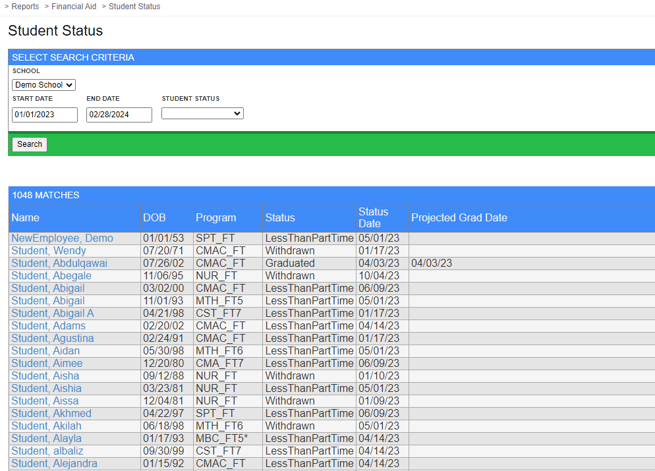
- You also have the option to keep the student status field empty in order to generate a report that will include all students and their current statuses for the term start and end date.
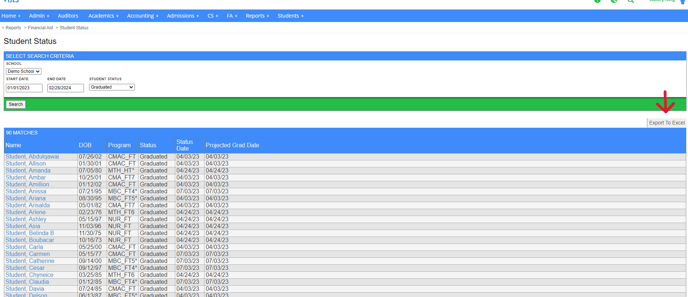
- You can easily export the report to Excel by clicking on Export to Excel